

Guide
Oct 23, 2026
Key takeaways
Whether a badge can be trusted comes down to the version and roles of its Open Badges certification and how it can be verified
If you issue at scale, also check API issuing, roles across departments, issuing records and published pricing
Certi issues on one platform, from a single event to a whole school like Hoseo University and public institutions like the National Science Museum and Ministry of Education programs
The 7 checks at a glance
| Check | How to check it |
|---|---|
| 1. Standards certification | Which Open Badges version, 2.0 or 3.0, and for 3.0, which roles are certified |
| 2. Verification | Can it catch tampering with a link or QR code, digital signatures and issuing records, and does it confirm issuers with documents? |
| 3. Bulk and automatic issuing | Can you issue to a spreadsheet list at once, and automatically through an API with a student system or LMS? |
| 4. Departments | Can several admins share it, with roles split by department? |
| 5. Issuing records | Can you see who received and opened each badge, and export it for reports? |
| 6. Pricing | Is pricing published, so you can work out the cost for your volume up front? |
| 7. Recipients | Do badges arrive by email or messenger, open without an app, and work as a PDF and on LinkedIn? |
Checks 1 and 2 are about whether a badge can be trusted, checks 3 to 6 are about whether the platform runs at your organization’s scale, and check 7 is about whether recipients actually use their badges.
1. Did you check the certified version and roles?
Many companies make digital badges. The international standard that lets any badge be verified the same way, whichever service issued it, is Open Badges1. Certified services are listed in the 1EdTech certification directory.
Don’t stop at whether a service is certified. Check the version and the roles too. Open Badges 2.0 and 3.0 are both in use today. Version 3.0 certifies each role separately: Issuer, which creates badges; Host, which stores the badges people receive; and Displayer, which shows and verifies them. How much of the standard a service follows depends on whether it is certified only as an issuer or also as a host and displayer.
For the difference between the two versions, see What are Open Badges?.
2. Can you tell whether a badge is real?
Badges travel as links, not files. So first check that opening the link or scanning the QR code shows the issuer, the recipient, the criteria and the issue date right away.
An Open Badges 3.0 badge carries the issuer’s digital signature, so any change to its contents fails verification. Services that also keep issuing records on a blockchain2 let you check a badge against the original record once more. The standard doesn’t require a blockchain, so ask each service how it verifies badges.
Who issued the badge matters too. If anyone can create badges in an organization’s name, badges are hard to trust. Check that the service confirms each organization with school or business registration documents or an official letter, and only gives the verified mark to organizations it has confirmed.
3. Can you issue to a list at once, and automatically through an API?
Even a few dozen graduates are a lot to enter one by one. Check that you can fill in names and contact details in a spreadsheet template, upload it, and issue to hundreds of people in one go. See how to create a digital badge for the steps.
As programs multiply, uploading a list for every session adds up. At that point, check that the service connects through an API to your student system or LMS3, so that badges are issued automatically to anyone who finishes a course or meets the criteria. Starting with lists and moving to an integration as you grow lets you scale to the whole school without switching services.
For how universities use both approaches, see How to run university co-curricular programs with digital badges.
4. Can several departments share it?
At a university, the co-curricular center, program offices and continuing education center each issue their own badges. At a public institution, it’s the department running each program, and at a company, the training team and business units. Check that you can create several admin accounts, split roles by department, and keep every badge you issue in one place under your organization’s name. Getting this right from the start keeps each department from ending up on a different service.
5. Can you use issuing records in reports?
Government-funded projects, public institution programs and corporate training have to report results. Check that you can see who received and opened each badge, and export the issuing history as a spreadsheet. For using badges as project outcomes, see How to document ANCHOR program outcomes with digital badges.
6. Can you work out the cost in advance?
If the only way to learn the price is to request a quote, budgeting is hard. Check whether pricing is published, whether you pay per badge issued or per recipient, and whether there are setup fees or charges for extra admin accounts. Estimating how many badges you’ll issue in a year makes choosing a plan easier.
7. Can recipients use their badges right away?
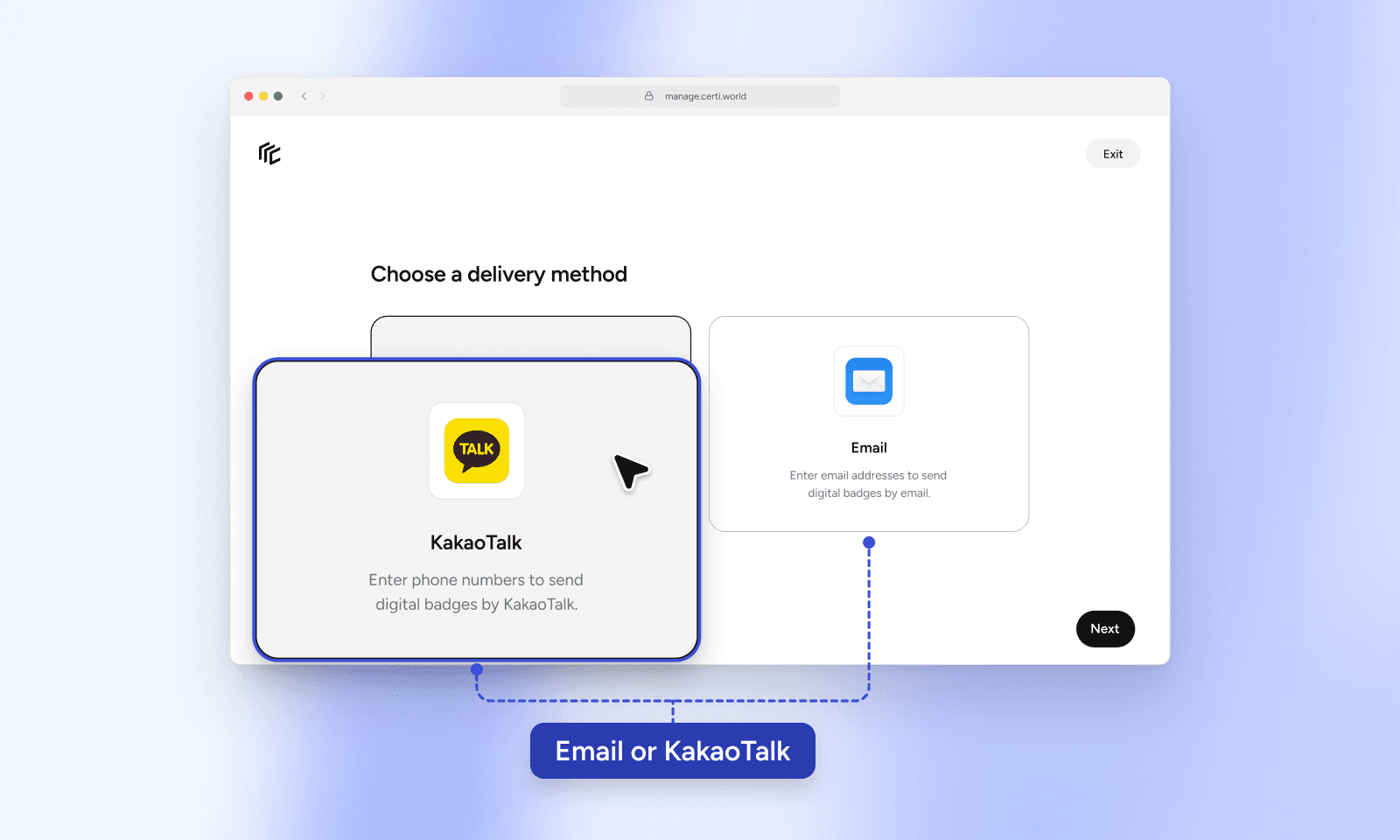
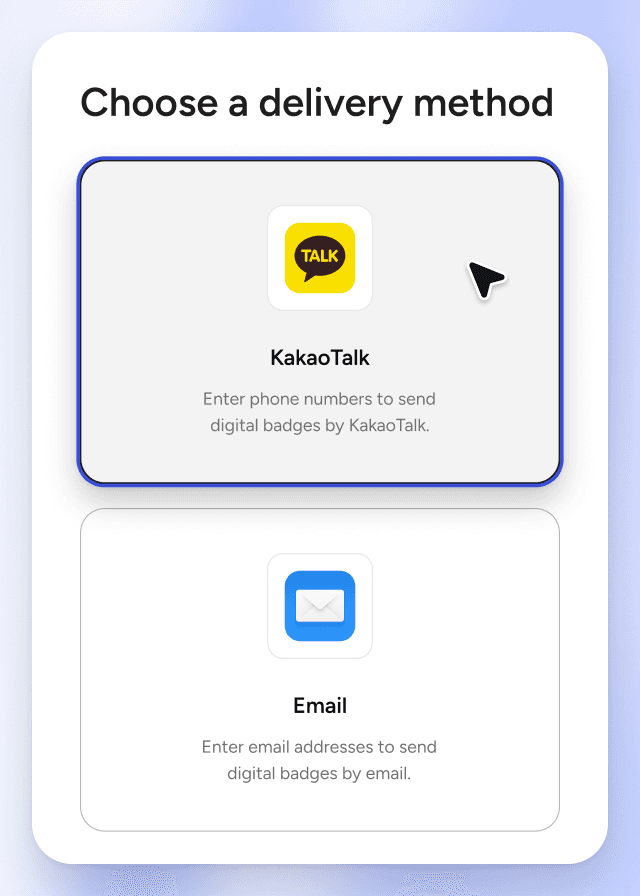
A badge only matters if its recipient uses it. Not everyone checks their inbox, so check that you can send badges through a channel people actually see, such as KakaoTalk, Korea’s most-used messenger, and that badges open without installing an app.
Plenty of places still ask for a certificate file. Check that you can issue a PDF certificate with the same details as the badge, and that recipients can add it to a résumé or LinkedIn’s Licenses & certifications with one link. See issuing PDF certificates alongside badges and how to add a badge to LinkedIn and your résumé.
What should you check first at your scale?
Which of the seven checks comes first depends on how many badges you issue.
| Scale | Check first | How you issue |
|---|---|---|
| One event | 7 Recipients · 6 Pricing | Upload the attendee list and send badges by KakaoTalk on the day |
| One office | 3 Bulk issuing · 5 Issuing records | Issue from a spreadsheet after each course and export the history for reports |
| Whole school | 3 API issuing · 4 Departments | Connect the student and co-curricular systems and issue automatically to students who complete |
| Public institutions | 1–2 Trust · 5 Issuing records · 6 Pricing | Create separate badges for each event or program audience and export the issuing history for program reports |
| Enterprise | 4 Departments · 3 API issuing | Training and business teams issue with their own roles, and connect in-house systems by API |
How does Certi cover these?
Certi runs on one platform from a single event to a whole school or public institution. For public institutions, see the National Science Museum‘s event badges and the Ministry of Education’s 300+ Promising Student Startup Teams program. For program offices, see Korea University’s K-MOOC and Gachon University’s Semiconductor Specialized University Support Program. For a whole school, see Hoseo University, and for enterprise, SK hynix Heinstein.
| Check | Certi |
|---|---|
| Standards certification | Certified by 1EdTech for Open Badges 2.0 and 3.0, with all three 3.0 roles: Issuer, Host and Displayer |
| Verification | Anyone can verify a badge by link or QR code. 3.0 badges carry the issuer's digital signature and DID, and issuing records are also kept on a blockchain. Only organizations confirmed with documents get the verified mark |
| Bulk and automatic issuing | Issue to hundreds of people at once from a spreadsheet, and connect your student system or LMS by API on every plan. Hoseo University runs it across the whole school |
| Departments | No limit on admin accounts, and roles split by department. Every badge you issue gathers on your organization page |
| Issuing records | See who received and opened each badge, and export the issuing history as a spreadsheet |
| Pricing | Published pricing, from KRW 6,600 a month with annual billing (VAT incl.). One credit per badge issued and no setup fee. Quotes, tax invoices and purchase through S2B, Korea's school procurement marketplace, are available |
| Recipients | Badges arrive by KakaoTalk or email and open without an app. Recipients download a PDF certificate and share to LinkedIn |
See the pricing page for plans, and Certi FAQ for questions people often ask before signing up.
Frequently asked questions
Q
Where can I check Open Badges certification?
Search for the service by name in the certification directory run by 1EdTech, which maintains the standard. It shows the certified versions (2.0 and 3.0), roles (Issuer, Host and Displayer) and dates. Certi is listed there too.
Q
Does it work for a whole university or a public institution?
Yes. A single program office issues straight from a spreadsheet list, and a whole school connects its student and co-curricular systems by API to issue automatically. Hoseo University uses Certi this way across the whole school. In the public sector, the National Science Museum's events and the Ministry of Education's 300+ Promising Student Startup Teams program have issued badges with Certi. If you issue more than 3,000 badges, you can buy credits at bulk rates.
Q
Can we adopt it without developers?
Yes. With Certi you issue straight from the admin console, with no development needed. Use the API only if you want to issue automatically from your own systems, and the Pro plan includes integration support.
Q
Does a platform need all seven?
It depends on how you run your programs. Checks 1 and 2 are about trust, so check them no matter what. If you issue to many people or several departments share the platform, look at checks 3 to 6 as well.
See all seven for yourself in Certi
Start for free
Keep reading
All posts


