Frequently asked
questions about Certi
Pricing, standards, issuing, and integrations:
what people ask before they get started.
What is Certi?
Certi is a service that turns paper awards, certificates, licenses, and course completion records into digital badges built on the international standard. Upload an Excel list, and Certi sends the badges by KakaoTalk (AlimTalk notifications in Korea) and email. You can also give a PDF certificate with the same details. Certi is run by NFTIME Inc.
Which organizations use Certi?
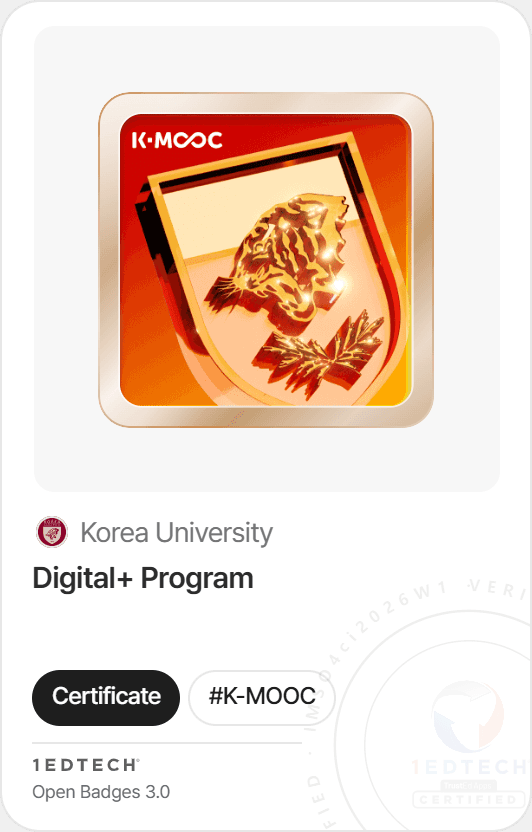
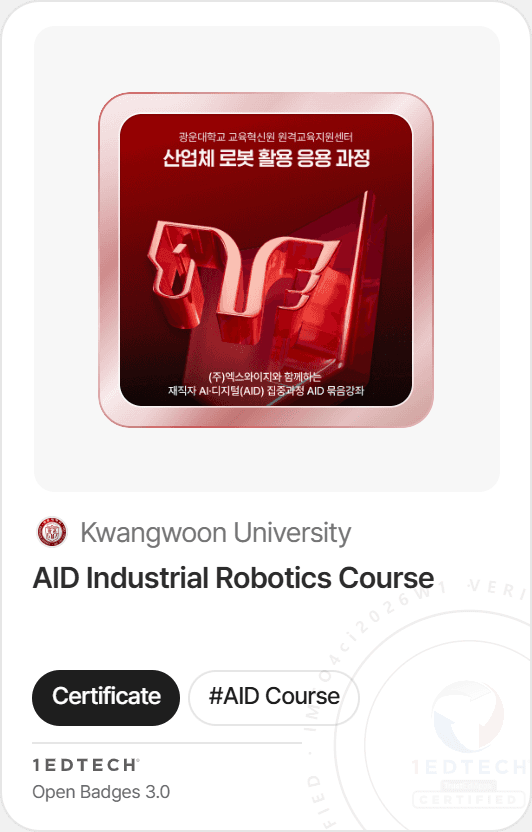
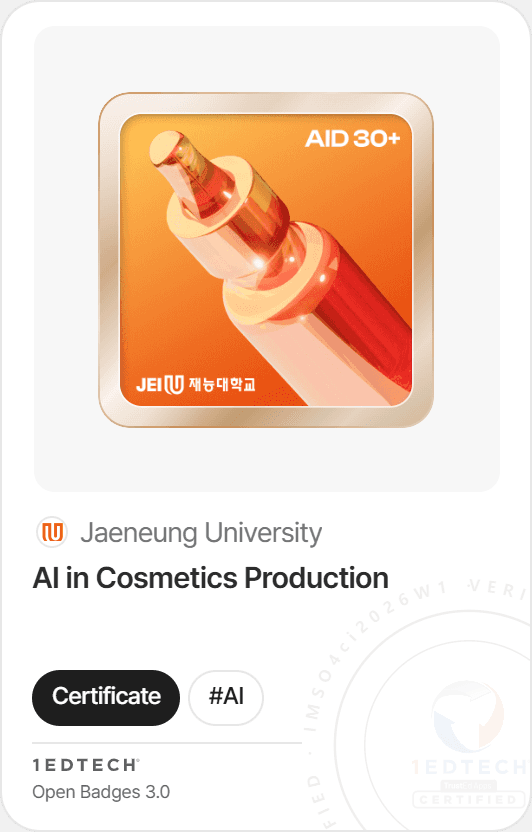
Universities, public institutions, and companies use Certi. Hoseo University uses Certi across the whole university, connected to its academic system and extracurricular programs. Korea University (K-MOOC), the AID courses for working professionals at Kwangwoon University and Jaeneung University, the Gachon University Semiconductor Specialized University Program, the National Science Museum (Korea), the Ministry of Education’s 300+ Promising Student Startup Teams, and the SK hynix Heinstein program have also issued badges with Certi. See our customer stories for details.
Why choose Certi?
Five reasons. 1) Badges go out by KakaoTalk notification, so recipients don’t miss them. 2) You give a digital badge and a PDF certificate in your institution’s format at the same time. 3) Our prices are public, and issuer verification and your organization page come at no extra cost. 4) Certi is certified for the international Open Badges 2.0 and 3.0 standards. 5) Data is encrypted and stored on servers in Korea, and our team answers your questions directly.
Can we set up Certi without a developer?
Yes. You create and issue badges in the admin dashboard, so no development work is needed. You only need the API if you want badges to go out automatically from your academic system or learning platform.
How soon can we send our first badge after signing up?
The same day you sign up. Checking your organization’s documents takes 1–3 business days, but you can use the service right away while that happens. Once the check is done, a blue verified mark appears next to your organization’s name on the platform.
Which certificates can we turn into digital badges?
Any proof that shows who achieved what: certificates of completion, awards, licenses, course completion records, participation confirmations, and activity certificates. They are often used for extracurricular programs, short courses, contests and competitions, event participation, and in-house training.
How much does Certi cost?
You buy a pass for the period you need. With annual billing (12 months), you get 15% off, and the monthly price is Mini $6 (50 credits a month), Basic $18 (150 credits a month), or Pro $48 (500 credits a month). If you need 1–11 months, it’s Mini $7, Basic $22, or Pro $58 per month. See the pricing page for details.
Will I be charged automatically every month?
No. Certi doesn’t keep your card on file and charge it each month. You buy a pass for the period you want (1–12 months) in a single payment. Nothing is charged automatically, so there’s nothing to worry about. Before your pass ends, you can extend it or move to a higher plan.
Can I try Certi for free?
Yes. The free trial lasts 1 month and comes with 30 credits. You can start without adding a card.
What’s included in every plan?
Every plan includes unlimited admin accounts, unlimited badge creation, KakaoTalk and email delivery, PDF certificates in your institution’s format, link and QR verification, program management, API integration, and issuer verification with an organization page. The Pro plan adds one custom badge design for your institution and development support for API integration.
What are credits?
Credits are what you use to issue digital badges. Issuing one badge to one person uses 1 credit. Credits count badges issued, not people, so giving one person two badges uses 2 credits.
What if I run out of credits?
You can buy extra credits on their own. Volume discounts apply from 3,000 credits and again from 10,000 credits. If you need a large number at once, chat with us and we’ll help you with payment.
Are there setup fees or other extra costs?
There is no setup fee. There is no limit on admin accounts or on the number of badges you create, and issuer verification and your organization page come at no extra cost. The only costs beyond your pass are extra credits and custom badge designs for your institution (a one-time fee per design, up to 3 revisions).
Do badge recipients have to pay anything?
No. Recipients can view, keep, and share their badges for free.
What happens to badges we already issued when our pass ends?
They stay. Your pass covers issuing new badges, so when it ends, recipients can keep viewing and storing the badges you already sent. Buy a new pass, and you can pick up issuing new badges again.
Can we pay by card, get a tax invoice, or buy through S2B?
Yes. You can pay by card, and we issue Korean tax invoices. Certi is also listed on the EduTech mall of Korea’s S2B school procurement marketplace, so schools can buy it there directly.
Can we pay with program or grant funds, or get a quote?
We can send you a quote and service materials. Spending rules differ by program office and institution, so we prepare the documents you need to match your funding guidelines. Chat with us to get started.
We issue badges to thousands of people. How does that work?
You can buy credits at volume prices, with discounts from 3,000 credits and from 10,000 credits. We’ll guide you based on your issuing volume and schedule, so please chat with us.
What are Open Badges?
Open Badges is the international standard for digital badges. Each badge stores details such as the issuer, the recipient, the earning criteria, and the issue date in a set format, so it can be checked and moved the same way no matter which service issued it. The standard is managed by 1EdTech. Read What are Open Badges? to learn more.
Is Certi certified to the international standard?
Yes. Certi is certified by 1EdTech for Open Badges 2.0 and 3.0. For 3.0, Certi is certified for all three roles: Issuer, Host, and Displayer. You can check the certified versions and dates in the official 1EdTech certification directory.
Do Certi badges meet the digital badge format for Ministry of Education programs?
Yes. Certi issues badges on Open Badges, the international standard also adopted by Korea’s Ministry of Education. Some programs set their own common badges, so please also check the announcement and guidelines for your program.
How can someone check that a badge is real?
Open the badge link or scan its QR code to see the issuer, recipient, earning criteria, and issue date right away. Open Badges 3.0 badges carry the issuer’s digital signature, so any change to the content is caught during verification. Issuance records are also kept on a blockchain, so they can be cross-checked.
Does Certi use blockchain?
Yes. Certi records badge issuance on a blockchain. The standard doesn’t require blockchain, but it gives you one more record to check against, which helps prevent forgery and tampering.
Does Certi support DIDs (decentralized identifiers)?
Yes. The Open Badges 3.0 badges Certi issues include a DID. A DID is a way to confirm the issuer and the recipient without relying on any one company’s server.
How do I know the issuing organization is real?
Certi gives a blue verified mark only to organizations we have checked through registration documents and official letters. The check takes 1–3 business days, and you can see the mark next to the issuer on the badge page.
How do you store personal information and data?
We collect only the minimum information needed to issue a badge, and we never collect sensitive data such as national ID numbers. Data is encrypted and stored securely on Naver Cloud (servers in Korea). See our privacy policy for details.
Can we keep using badges issued under Open Badges 2.0?
Yes. Versions 2.0 and 3.0 are both in use today. You don’t need to reissue your existing 2.0 badges as 3.0.
How do I create a digital badge?
In three steps. 1) Pick a design and enter the badge name, description, earning criteria, and skills. 2) Upload an Excel list or choose program participants. 3) Click Publish, and the badges go out by KakaoTalk and email. See How to create a digital badge for a full walkthrough.
How do I choose the skills to put on a badge?
Pick them from the skills list in Certi. When you enter the badge name and description, AI suggests matching skills, so choosing is easy.
Can I send many badges at once with Excel?
Yes. Upload an Excel list, and badges go out to hundreds of people in one go. You can also add details that differ for each recipient, such as a team name or year.
Can I issue badges through KakaoTalk?
Yes. You can send badges by KakaoTalk notification and by email. Recipients tap the link in the notification to see their badge right away. This cuts down on missed badges caused by emails landing in spam.
What recipient information do I need to send a badge?
A name, plus an email address (for email delivery) or a mobile phone number (for KakaoTalk delivery). Depending on how you run your program, you can add details such as affiliation or course name. We never collect sensitive data such as national ID numbers.
Can we issue PDF certificates along with badges?
Yes. You can export a PDF certificate in your institution’s format with the same details as the badge. Landscape and portrait layouts are available, and recipients can download the PDF themselves from their badge page. See PDF certificates and digital badges for details.
Can we get a badge design made just for our institution?
Yes. You can add your logo to a shared design template and use it right away, or ask us for a custom badge design for your institution. Custom design is a one-time fee per design, up to 3 revisions. One custom design is included with Pro.
Can we give badges in levels, like Basic and Advanced?
Yes. Create a separate badge for each level, so learners collect them in order, from participation to excellence. You can also offer course badges alongside a bundle badge. See How to issue digital badges in tiers for details.
Can several admins work in Certi together?
Yes. There’s no limit on admin accounts, and you can invite colleagues as members and split permissions by department. A feature for running several organizations (teams) within one institution is coming soon.
Can I revoke or resend a badge sent by mistake?
Yes. You can revoke a badge in the admin dashboard and send it again. Credits used on badges already sent are not refunded. Think of it like a print shop: once a page is printed, the paper and ink are already used.
Can I download our issuance records?
Yes. For each badge, you can see who received it and who has viewed it, and download the issuance records as an Excel file. This works well for program results reports.
Can we handle everything from sign-up to issuing in one place?
Yes. With program management, you can manage your participant list and issue badges from it directly. Application forms for collecting participants are coming soon.
Can we give badges to event or contest participants?
Yes. Beyond course completion, you can record participation, finishing, and awards from events as badges. The National Science Museum (Korea) and the Ministry of Education’s 300+ Promising Student Startup Teams event have issued Certi badges.
Can we issue badges automatically through an API?
Yes. Certi provides an API for issuing badges automatically from outside systems. You create an API key in the admin dashboard, and on the Pro plan we also support your integration development.
Can Certi connect to our LMS or academic system?
Yes. You can set it up so that badges are issued automatically through the API when a learner finishes a course or meets the criteria. Hoseo University uses Certi across the whole university, connected to its academic system and extracurricular programs. We decide the scope of the integration together during onboarding, based on your systems.
Can we use Certi for university extracurricular programs?
Yes. You can award participation, completion, and excellence in extracurricular programs as tiered badges. Even after graduating, students can share their badges as links on résumés and portfolios.
Can we see all the badges one student has received in one place?
Yes. Click a student’s profile on the platform to see all the badges they have received. Students can also see badges from different organizations in one place under “My badges” in their Certi account.
Can several departments and program offices use Certi together?
Yes. Admin accounts are unlimited, so several departments can work under one institution name, with permissions split by department. All badges issued are gathered on your organization page. A feature for running several organizations (teams) within one institution is coming soon.
Can several organizations issue a badge together under their names?
Co-issuing, where several organizations issue a badge together, is coming soon. If you need it now, chat with us.
Can we get a report on issuance results?
Yes. You can see issuance and view status for each badge in the admin dashboard, and we can prepare a results report for you if you need one.
Can digital badges document results for programs like ANCHOR (RISE)?
Yes. Issuance records show who received what and on which criteria, and you can download them as an Excel file to use as evidence of results. Please check your program guidelines first to see whether badges count toward its performance indicators. See How to document ANCHOR program outcomes with digital badges for details.
Can K–12 schools use Certi?
Yes. You can record school activities with levels, such as reading, volunteering, and clubs, as badges. Badges are sent to each student directly by KakaoTalk or email.
Can we use Certi for corporate training or in-house programs?
Yes. You can award badges for completing in-house training, job skills, and taking part in social impact programs. The SK hynix Heinstein program issued separate badges for students, instructors, and the Olympiad.
Where can I see the badge I received?
Tap the link in the KakaoTalk or email notification to see your badge on Certi. All your badges are collected under “My badges” in your Certi account.
Do I need to install an app?
No. You can view and share your badges right on the web at app.certi.world, with no app to install.
Can anyone open a badge link?
Yes. Anyone who has the link can see the badge name, issuer, earning criteria, and issue date.
Can I add my badge to LinkedIn or my résumé?
Yes. Use the Share button on your badge page to copy the link, then add it to the Licenses & certifications section on LinkedIn or to your résumé. See How to add a digital badge to LinkedIn and your résumé for step-by-step instructions.
Can I move my badge to another badge wallet or service?
Yes. Open Badges 3.0 badges follow the international standard, so you can move them into other digital wallets or badge collection services.
Can I still see my badges after I graduate or leave my job?
Yes. Your badges are kept in your Certi account, and you can share them with a link at any time.
No results. Try other words, or contact us in chat.
Browse by topic
CertificateYour PDF template
KakaoTalk & emailMini plan$6/mo
No setup feeBilled annually- 50 credits a month
- Unlimited admin seats
- PDF certificates
Badge verificationValid
StandardOpen Badges 3.0
Issuer signatureVerified
Blockchain recordMatched
NameContactStatus
Seoyeon Kim010-••••-••••Pending
Doyun Lee010-••••-••••Pending
Data Analysis BasicsCompleted
Applied AICompleted
Capstone DesignIn progress
SharePDF
Didn’t find your answer?Ask us in chat if you want more detail or have a question we didn’t cover.Contact us