Guide
Oct 2, 2026
Key takeaways
First, copy the badge link with the Share button on the badge page
On LinkedIn, add the name, issuing organization, issue date, and link under Licenses & certifications
On your résumé, write the badge name, issuer, and date on one line, then add the verification link
Start by copying the badge link
Opening a digital badge link shows the badge name, the issuer, and the criteria. So whether it’s LinkedIn or a résumé, the link is what matters.
For badges you received through Certi, tap the Share button on the badge page to copy the link.
Add it to LinkedIn as a certification
Add a Licenses & certifications entry to your LinkedIn profile and a form opens. Here’s what goes in each field.
| Field | What to enter |
|---|---|
| Name | The badge name, exactly as shown. e.g. AICT Creative Convergence Project |
| Issuing organization | Pick the issuer from the list. e.g. SK hynix |
| Issue date | The issue date shown on the badge page |
| Credential URL | Paste the badge link you copied |
Picking the issuer from the list shows its logo on your profile. With the Credential URL filled in, anyone viewing your profile can click through to the badge page and check it.
List it on one line of your résumé
In the certifications or education section of your résumé, write the badge name, issuer, and issue date on one line, then add the verification link.
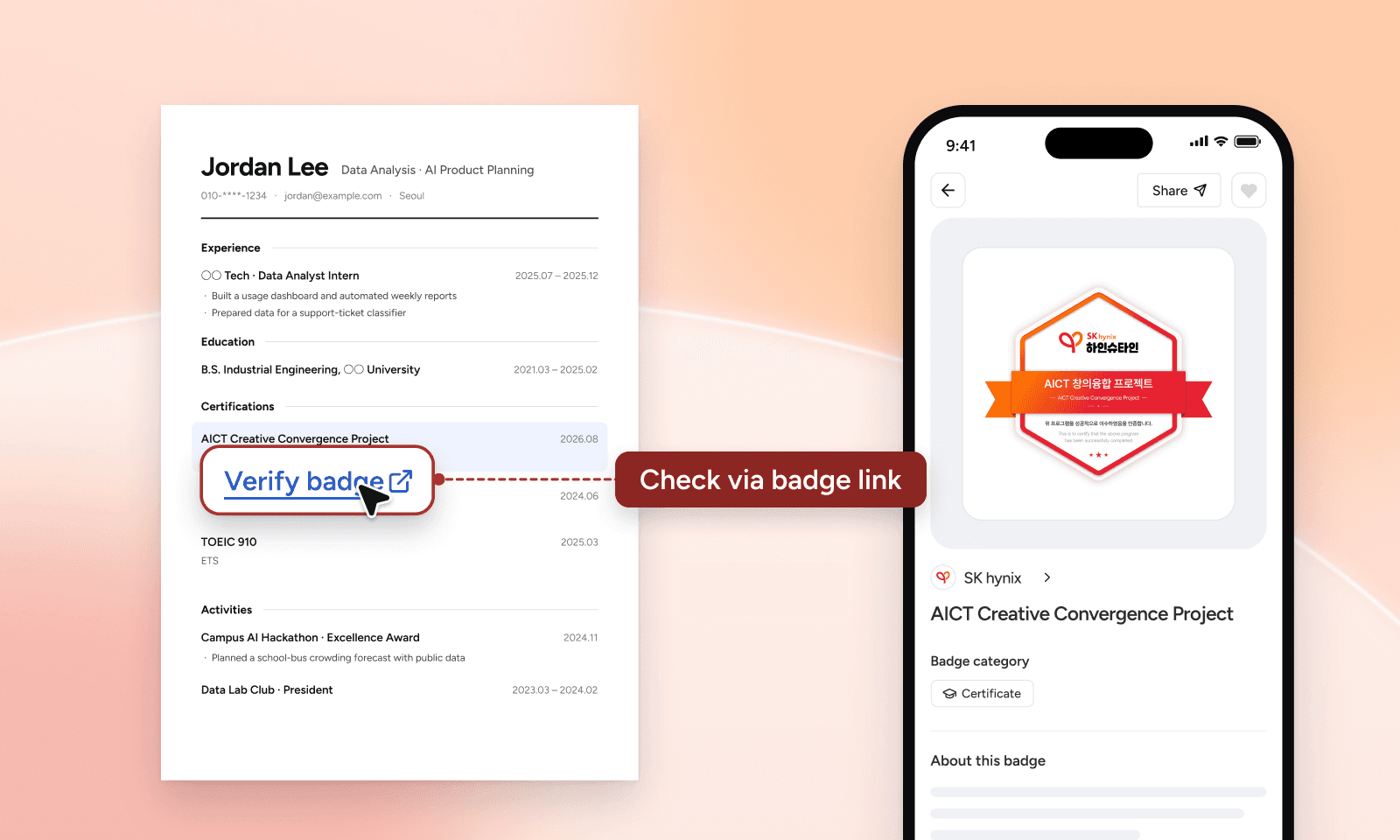
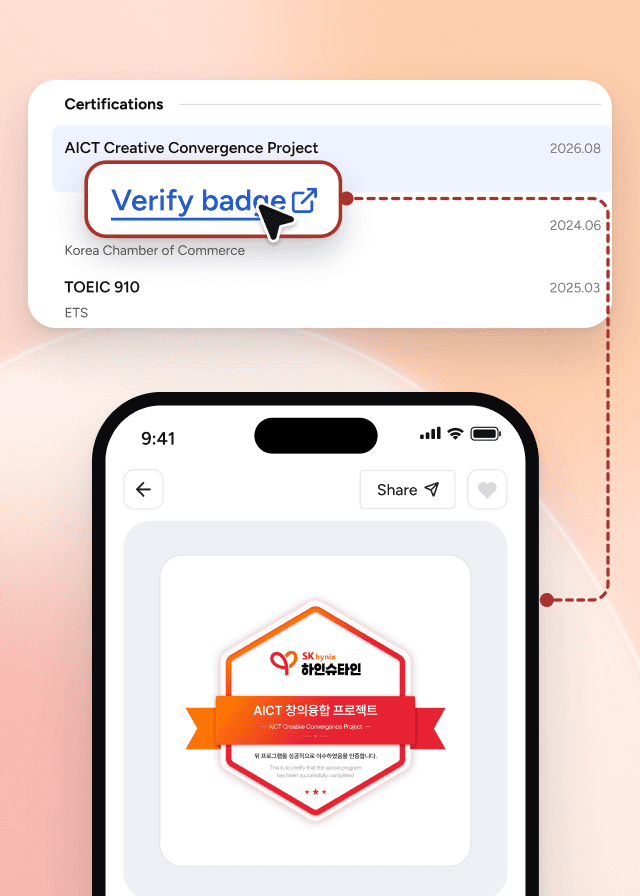
If you send your résumé as a PDF, make the link clickable. Job sites that have a field for certifications or links work the same way.
If you’re the issuer
When you send badges, include a short note on adding them to LinkedIn and résumés. Recipients will know right away where to use them. See how to create a digital badge to send badges to a whole group at once.
Frequently asked questions
Q
Can anyone open a badge link?
Yes. Anyone with the link can see the badge name, the issuer, and the criteria.
Q
Can I share a badge as a LinkedIn post too?
Yes. Posting the badge image with its link is a great way to share the news. To keep it on your profile, add it under Licenses & certifications as well.
Q
What if I need a PDF certificate?
Download it straight from your badge page. Use the PDF wherever you need to attach a file, and the badge link for online profiles.
Issue badges your learners can use right away
Contact sales
Keep reading
All posts