
Product
Jul 24, 2026
Key takeaways
Prepare digital badges and PDF certificates in one step instead of two
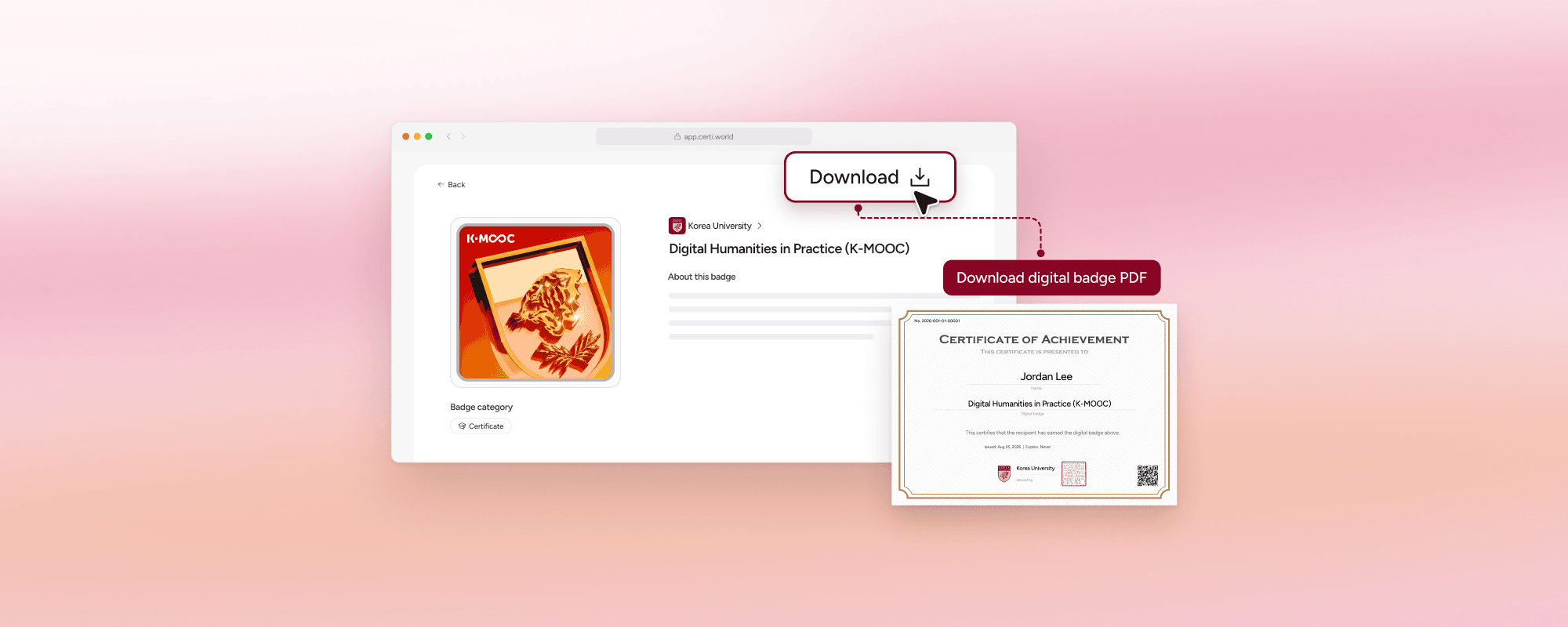
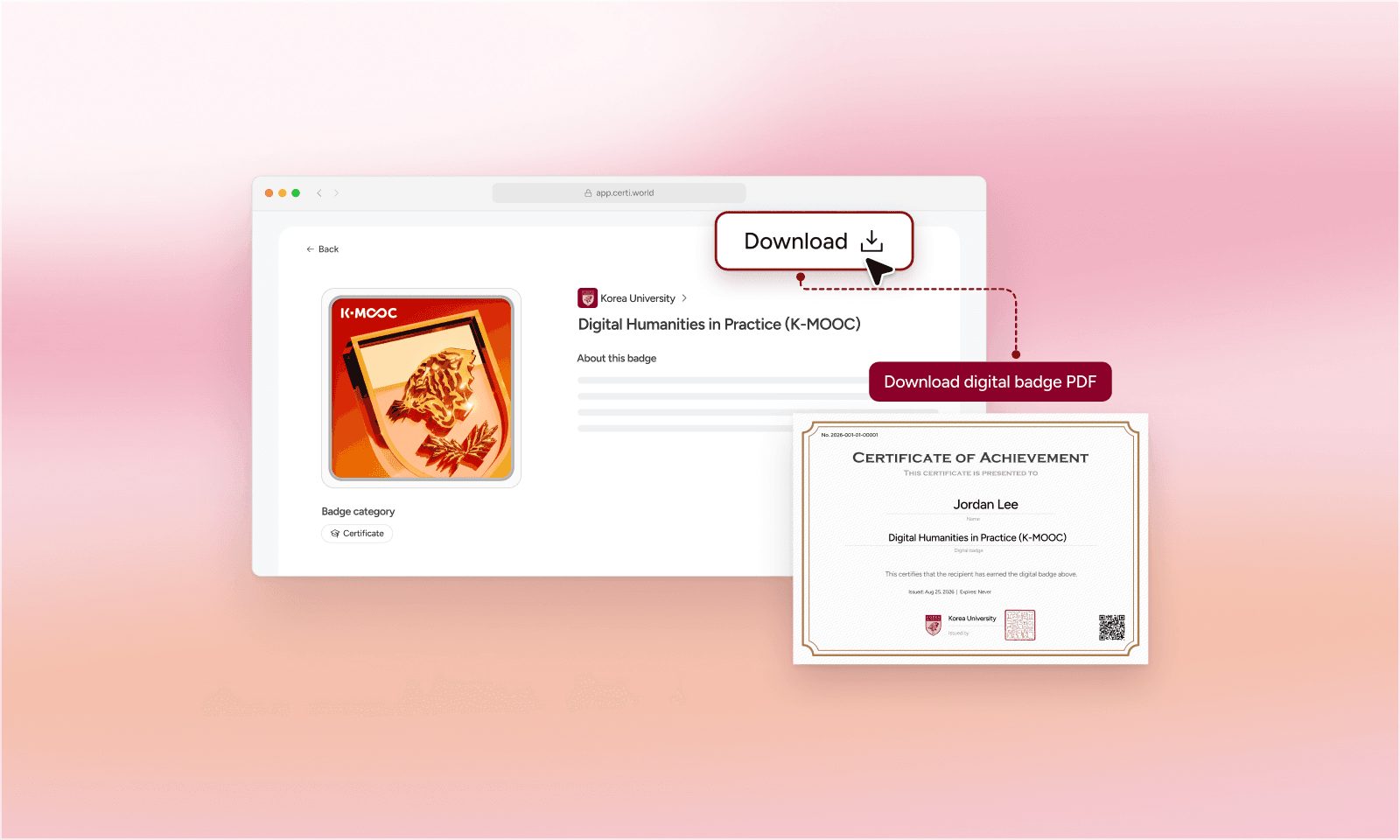
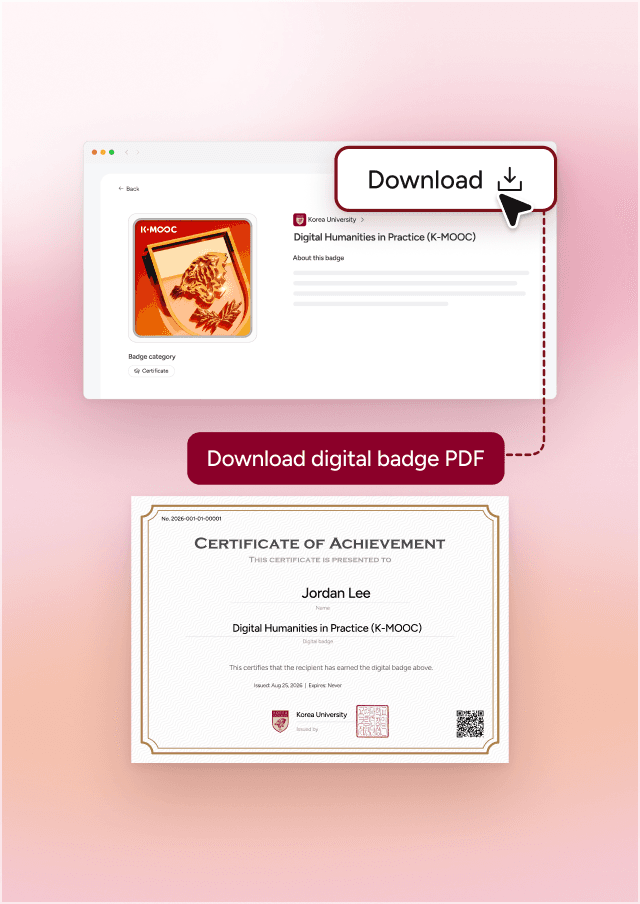
Graduates download their PDF certificate with the Download button on the badge page
Use the badge link online, and the PDF for submitting and printing
Why you still need PDF certificates
Even with digital badges, there are times you need a certificate file, like submitting proof of completion or printing a keepsake.
Making them separately means checking names and course titles twice. Certi builds the PDF certificate from the details you entered for the badge.
Badge or PDF: which one, when?
| Situation | Digital badge | PDF certificate |
|---|---|---|
| Résumé or portfolio | Add the badge link to show your learning | Attach the file |
| Submitting elsewhere | Send the badge if a link is accepted | Download the PDF when a file is required |
| Printing and keeping | Kept online | Print it and keep it |
| Verifying | Issuer and criteria are on the badge page | Name, course, issuer, and date are on the document |
What do administrators prepare?
Set up the badge details
Enter the course name, issuer, and criteria
Choose a PDF template
Pick a landscape or portrait template that suits your organization
Connect your graduate list
Each graduate gets a badge and a PDF in their own name
If you already have a certificate template, bring it along.
How do graduates download it?
Graduates tap Download on their badge page to get the PDF certificate. They can download it again whenever they need it.
Frequently asked questions
Q
What do the PDF templates look like?
There are landscape and portrait templates.
Q
What information goes on the PDF?
The same details as the badge: recipient, badge name, issuer, and issue date.
Q
Do we have to stop issuing paper certificates?
Not at all. Use the PDF wherever a document is needed, and the badge link online.
Prepare certificates and badges together
Contact sales
Keep reading
All posts