
Guide
Jul 10, 2026
Key takeaways
You’ll need course details, completion criteria, a badge image, and a graduate list
Three steps: enter badge details → import your list → choose how to send
No development needed, and our team helps you set up your first badge
What do you need to prepare?
If you already run the program, you probably have most of what you need.
| You'll need | What it includes | Where to find it |
|---|---|---|
| Course details | Badge name, description, issuer | Course outline, sign-up page |
| Completion criteria | Conditions you actually checked, like attendance, assignments, or assessments | Program plan, grading criteria |
| Badge image | A design that identifies the course | Your logo, course materials |
| Graduate list | Names and contact details (email or mobile number) | Attendance sheet, registration list |
If it’s your first time, please also prepare documents that verify your organization.
Step 1. Enter the badge details
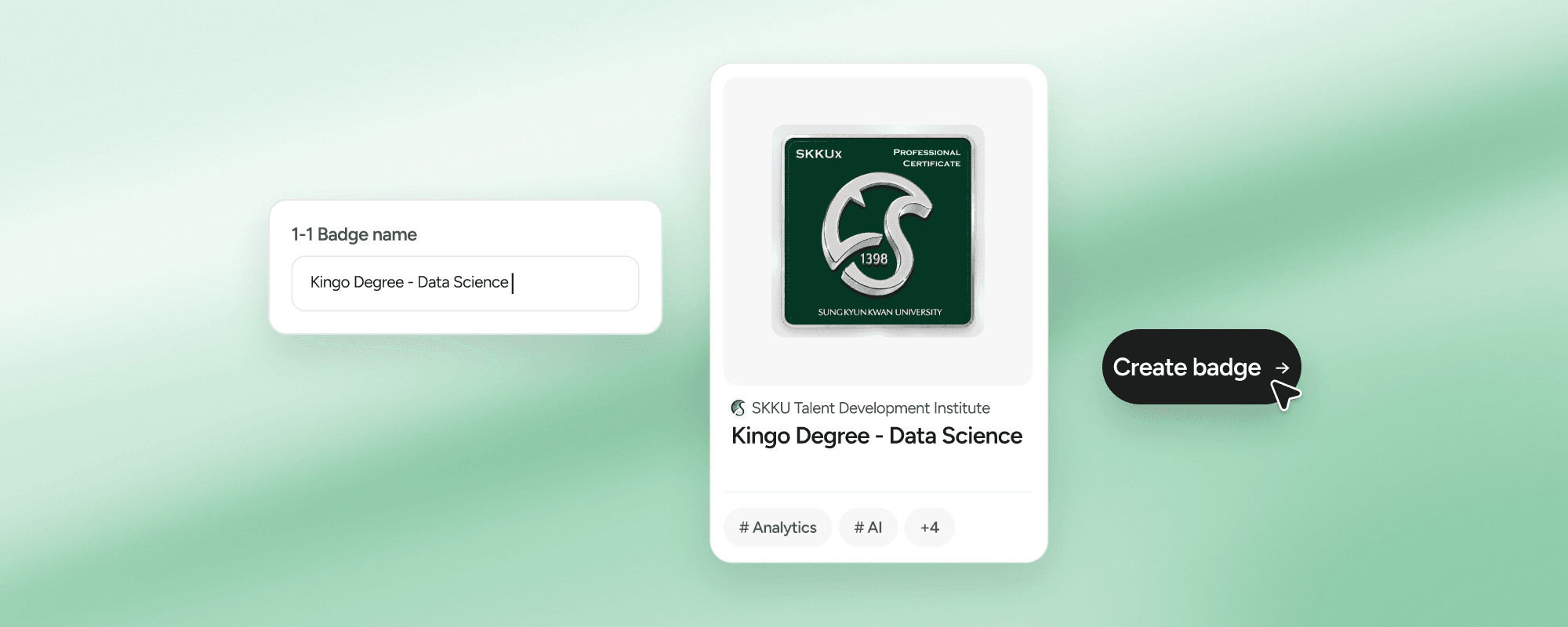
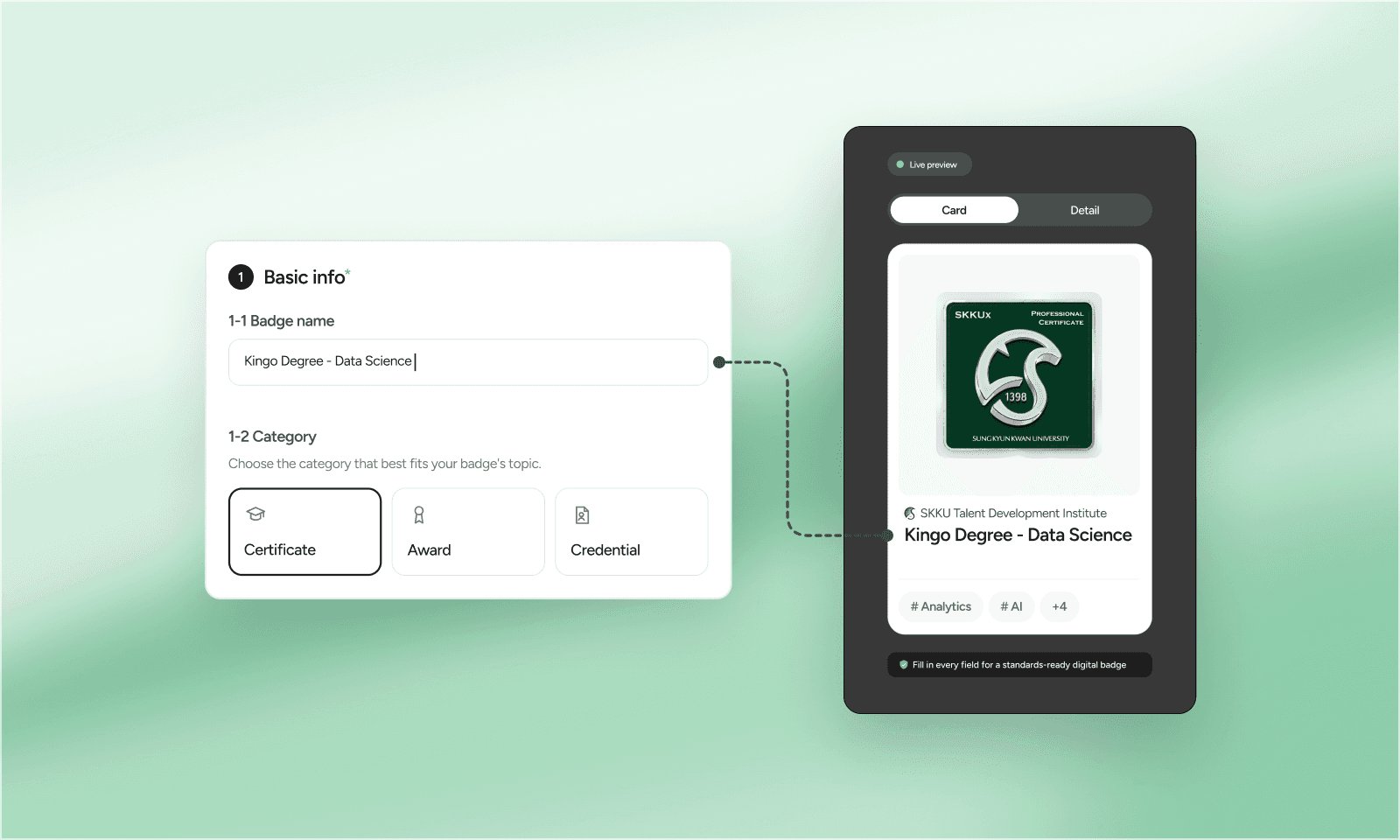
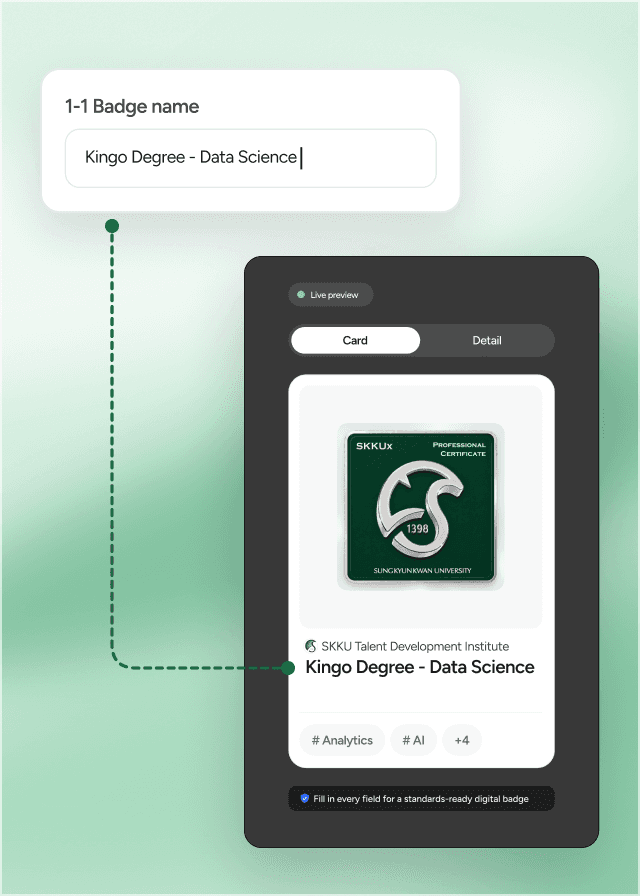
In Certi’s admin console, enter the badge name, description, criteria, and skills. What you type shows up in the live preview right away.
| Field | Clear | Vague |
|---|---|---|
| Badge name | Kingo Degree - Data Science | Completion badge |
| Criteria | 80%+ attendance and a total score of 70 or more | Completed the course diligently |
| Skills | Data analysis, machine learning, deep learning | Improved skills |
Only include criteria you actually checked.
Step 2. Import your spreadsheet
Download the template, fill in names, emails, and phone numbers, then upload it with Import.
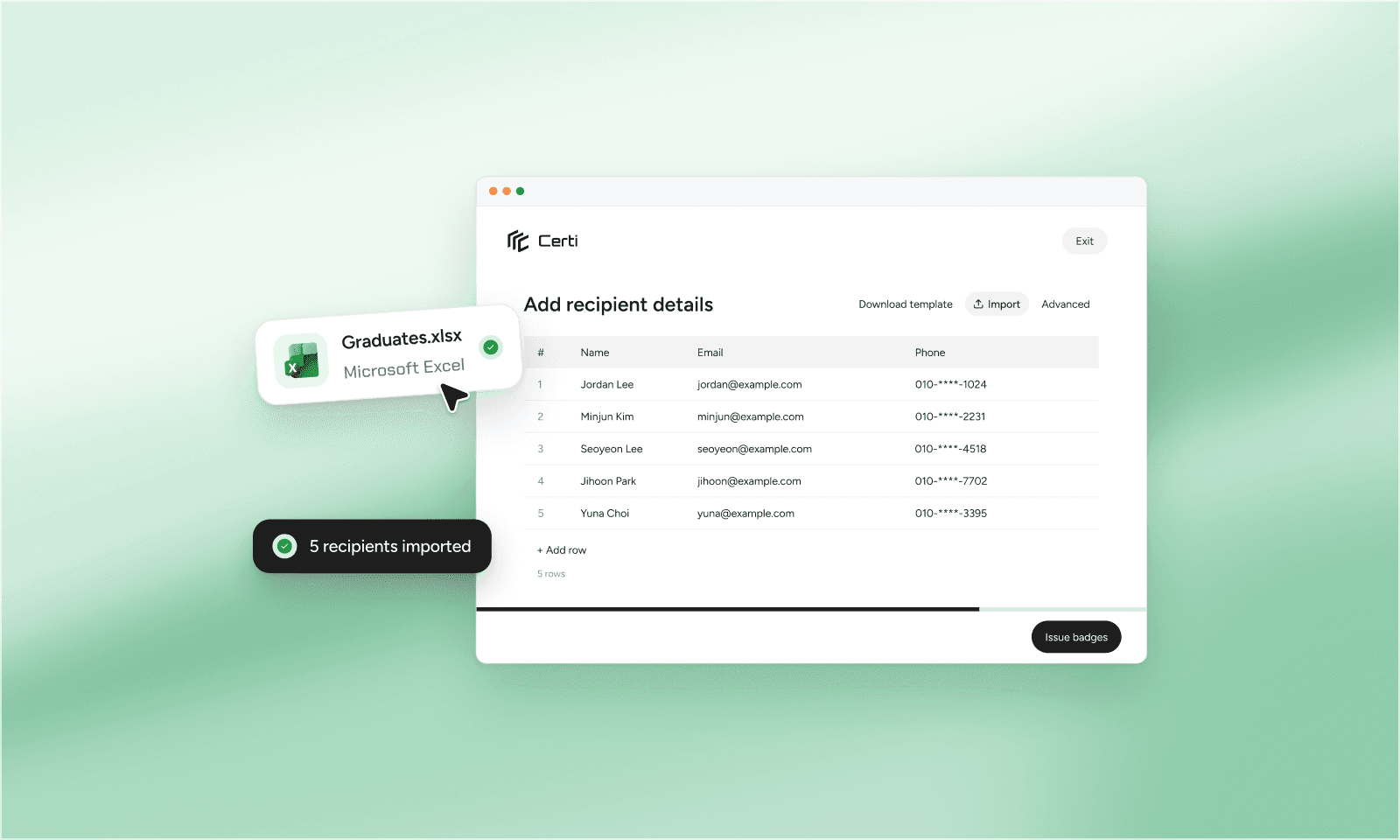
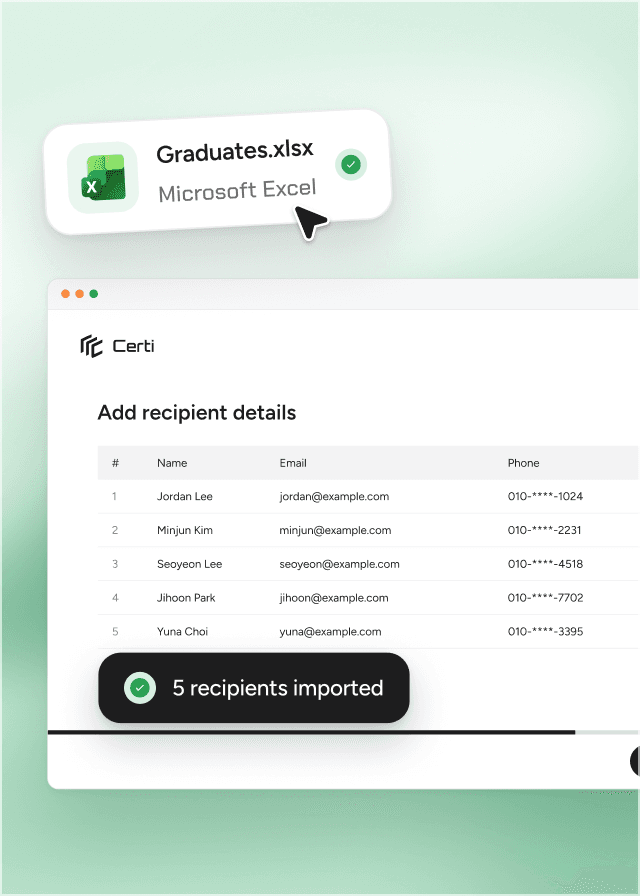
- Are names free of typos and spacing differences?
- Is anyone missing or listed twice?
- Does everyone have the contact detail your delivery method needs?
Step 3. Choose how to send
Finally, choose how the badge is delivered.
KakaoTalk delivery
Sends a KakaoTalk message to each graduate's phone (for recipients in Korea).
Email delivery
Sends the badge to each graduate's email.
If you need PDF certificates too, see issuing PDF certificates alongside badges.
Not sure where to start?
You can start right away, with no development. Our team helps organizations set up their first badges.
New to digital badges? Start with What is a digital badge?
Frequently asked questions
Q
Do we need any development work?
No. Everything from entering details to issuing happens in Certi's admin console.
Q
Do we have to fill in every badge field?
Fields like the name, description, and criteria are defined by Open Badges, the international standard. Just as a certificate always includes certain details, think of it as filling in a standard form.
Create your program's first digital badge
Contact sales
Keep reading
All posts