

Guide
Sep 18, 2026
Key takeaways
ANCHOR evaluates last year’s outcomes to decide this year’s funding
Badge records keep the recipient, issue date, and whether the badge was viewed, for every badge
Check your program’s indicators first to see which evidence counts
What’s changed with ANCHOR?
In April 2026, Korea’s Ministry of Education announced its plan for ANCHOR, a regional talent development system. It helps Korea’s 17 regional governments grow local universities in line with their own development strategies.
The key change is performance review. About KRW 400 billion goes to performance incentives, and each year’s funding depends on how last year’s work and outcomes are evaluated, including whether students and local talent were properly considered.
Programs are also shifting toward projects students can feel, such as industry-sponsored degrees, long-term work placements, and entrepreneurship training. As students take part directly in more programs, recording what each student learned and achieved matters more.
What does a badge record keep?
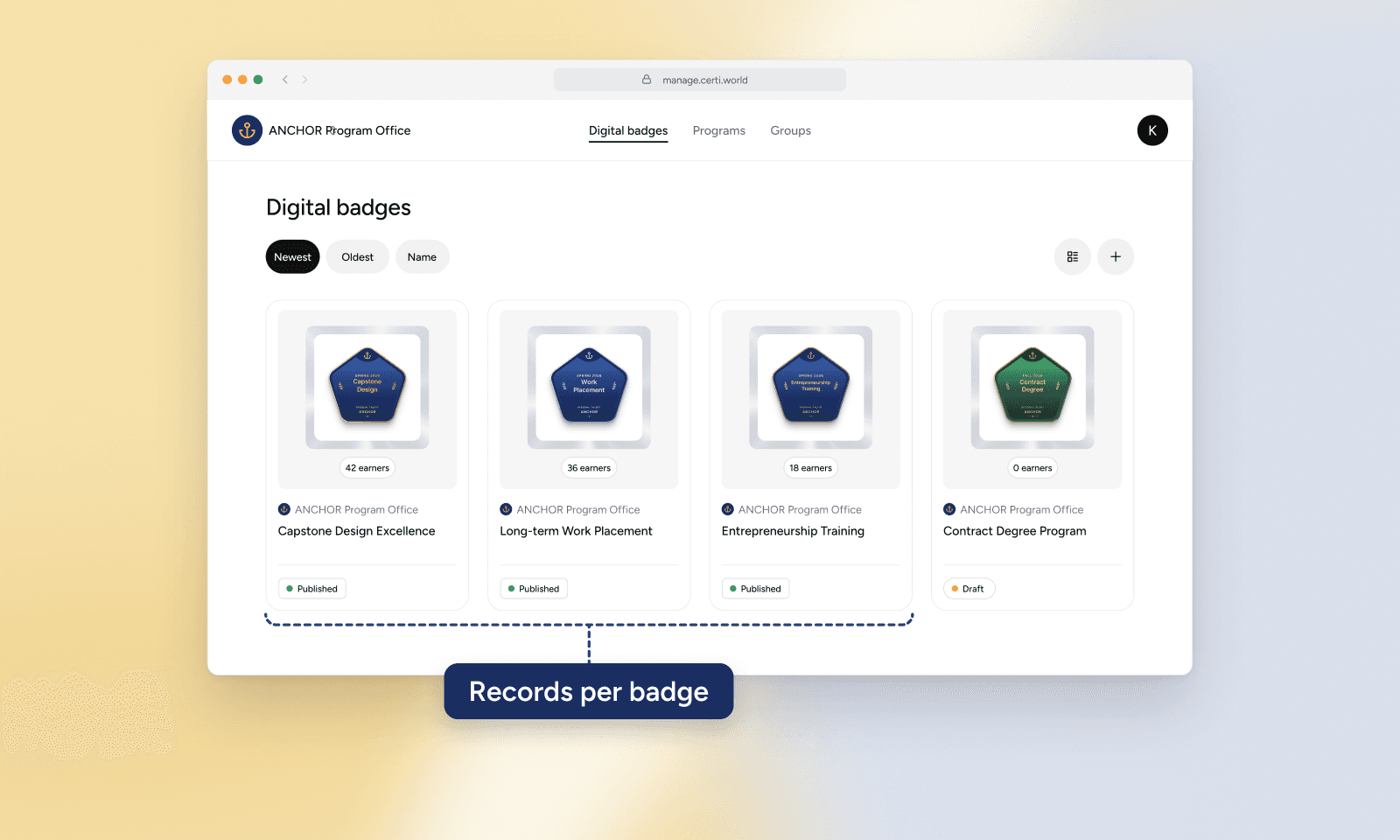
When you issue a digital badge to students who complete a program, every badge builds up its own issuing record. In Certi’s admin console, you can see the recipients of each badge and download the issuing history.
| Record | How it helps your report |
|---|---|
| Recipients | The list of students who completed the program |
| Issue date | When they completed it |
| Viewed | Whether the student received and opened the badge |
| Criteria | What it took to earn the badge |
Criteria are written into the badge when you create it. With the recipient list and criteria in one place, you don’t have to gather evidence separately at reporting time.
Create a separate badge for each program
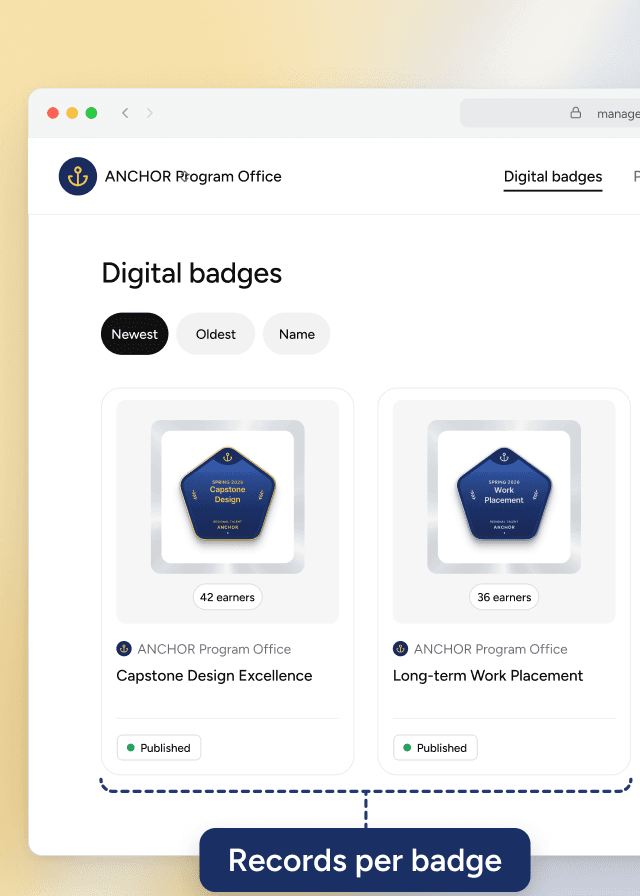
If you run several programs, such as work placements, capstone design, and entrepreneurship training, create a badge for each one. Records stay separate by badge, so you can summarize each program at a glance.
Check your performance indicators first
Which evidence counts as an outcome varies by region and program. Before you start, check your program’s indicators and how evidence is submitted, and decide which indicator your badge records will support.
How do you get started with Certi?
Create a badge for each program and issue it to the completion list in one go. See how to create a digital badge for the steps. If your report needs certificate files, you can issue PDF certificates alongside badges.
Frequently asked questions
Q
Do ANCHOR programs have to use digital badges?
No. Badges are one way to record and show what students achieved. Check that they fit your program's indicators first.
Q
Can program funds be used to pay for Certi?
Spending rules differ by program office and region. We're happy to send a quote and service materials if you need them.
Q
Can students still see their badges after they graduate?
Yes. Badges stay in the recipient's Certi account and can be shared by link at any time.
Record your programs with digital badges
Contact sales
Keep reading
All posts


